2026/2027 Digital Phone Planners Set for iPhone and Samsung - Goodnotes and Samsung Notes compatible
2026/2027 Digital Phone Planners Set for iPhone and Samsung - Goodnotes and Samsung Notes compatible


Couldn't load pickup availability
🌿 2026 Palm Leaf Digital Phone Planner
iPhone & Samsung | GoodNotes & Samsung Notes Compatible
🌿 Stay organized the natural way — simple, calm, and beautifully designed.
Introducing the 2026 Palm Leaf Digital Planner, thoughtfully crafted for smaller screens like iPhones and Samsung phones. Inspired by minimal aesthetics and mindful planning, this planner blends modern productivity with a clean, earthy feel ✨
Available in two soft, elegant styles — Palm Pink & Palm Cream 🌸🤍
🌿 DESIGNED FOR DAILY FLOW
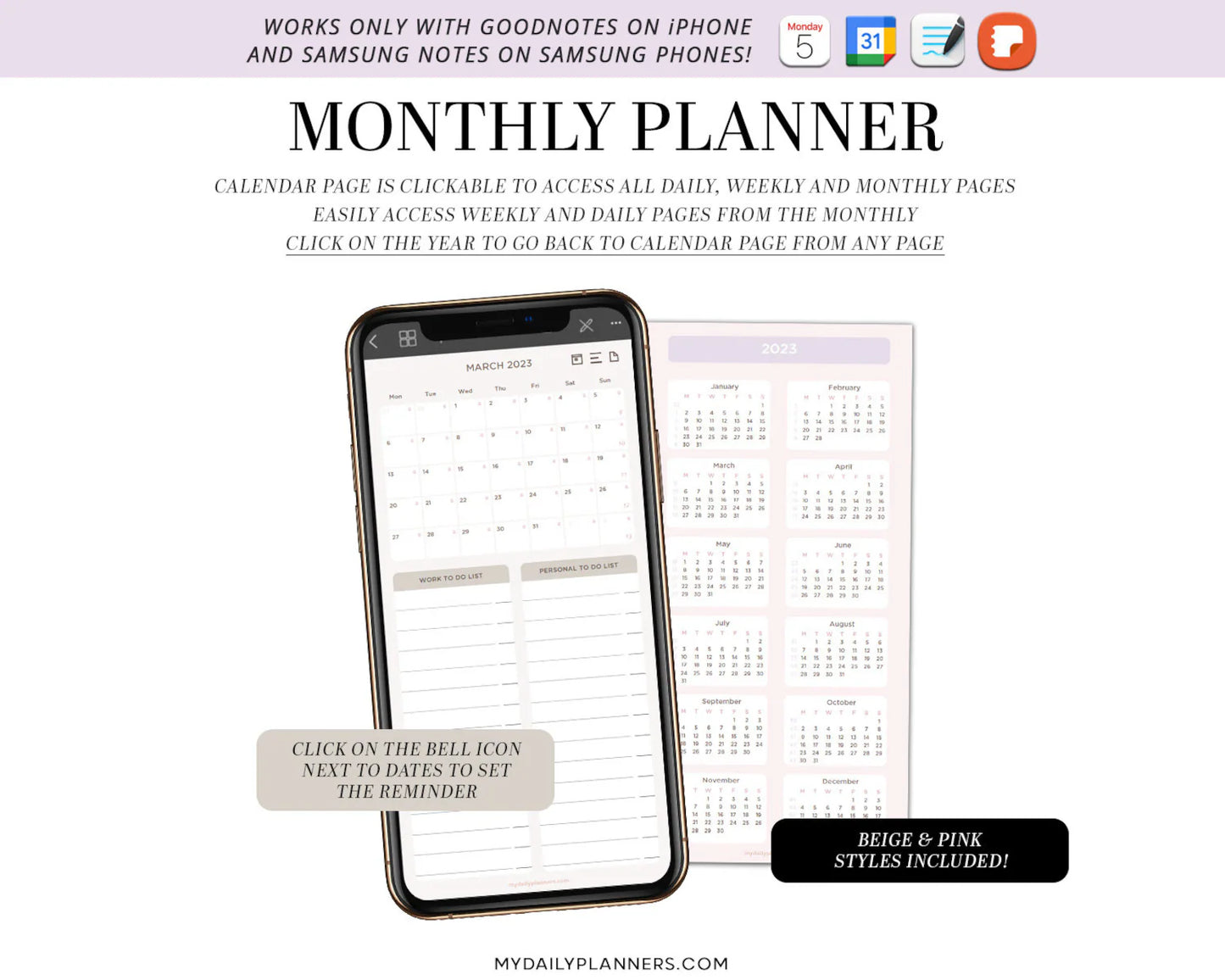
Plan your life effortlessly with fully hyperlinked pages that connect your:
📅 Yearly Overview
🗓️ Monthly Planning
📖 Weekly Layouts
📝 Daily Pages
Navigate smoothly with thousands of smart hyperlinks, giving you a seamless planning experience right from your phone 📱
✨ KEY FEATURES
• 🌸 2 Minimal Styles — Palm Pink & Palm Cream
• 📱 Mobile Optimized — Perfect for iPhone & Samsung phones
• 🔗 Fully Hyperlinked — Fast, intuitive navigation
• ⏰ Quick Reminders — Open Apple or Google Calendar instantly
• 🔄 Device Syncing — Use on iPad or Samsung Tab via apps
• 📝 14 Quick Notes Sections — Capture ideas anytime
• 🎥 Step-by-Step Guides — Easy setup with video tutorials
🌿 SMART & SIMPLE PLANNING
Easily connect your planner with your daily life:
✔ Tap to open calendar apps
✔ Set reminders in seconds
✔ Stay on track with goals & tasks
(Note: Digital planners don’t sync automatically with calendars — instead, quick links help you set reminders instantly.)
📦 WHAT YOU WILL RECEIVE
📁 Digital planner files (GoodNotes & Samsung Notes formats)
📘 User guide + step-by-step instructions
🎥 Video tutorials for easy setup
⚠️ IMPORTANT NOTES
• This is a digital product — no physical item will be shipped 📩
• GoodNotes (iPhone) & Samsung Notes (Samsung) required
• Not compatible with GoodNotes on Windows ❌
• Digital stickers are NOT included
📱 SAMSUNG USERS NOTE
Google Calendar will open in your browser. Simply log in, set your reminder, save it, and return to your planner seamlessly ✔️
🛒 HOW TO PURCHASE
1️⃣ Add to cart
2️⃣ Complete checkout
3️⃣ Check your email for instant download links
4️⃣ Follow the guide & start planning 🌿
📜 USAGE
This product is for personal use only
🌿 Palm Leaf eBooks Ceylon
Where simplicity meets productivity ✨